Reference / Setup & Installation(8 of 37)
Copy article Setup & Installation Add @frontguard/playwright to any existing @playwright/test project in two commands and start asserting component and full-page visual stability.
FIG 01 · @FRONTGUARD/PLAYWRIGHT — IN-TEST VISUAL ASSERTION & __visual_baselines__ STORAGE Install terminal
$ npm install -D @playwright/test @frontguard/playwright Call visualTest after navigation. The package reuses the current Playwright page, captures a PNG, and writes baseline/current/diff files under the configured baselineDir.
Add actual and diff outputs to your .gitignore while committing accepted baseline PNGs so teammates and CI compare against the same reference images:
.gitignore
# Commit __visual_baselines__/*-baseline.png, ignore transient failure artifacts:
__visual_baselines__/*-actual.png
__visual_baselines__/*-diff.png
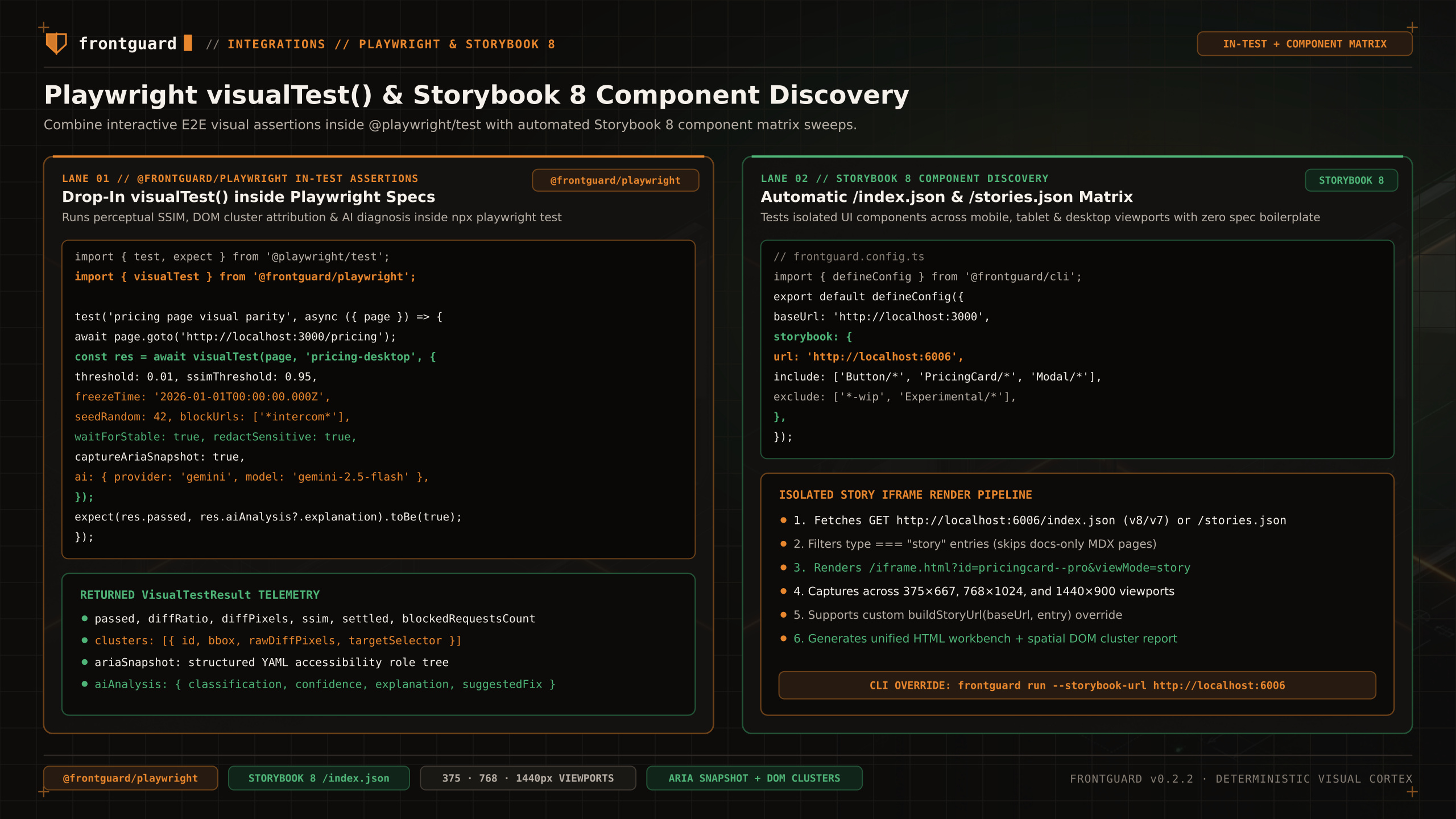
Practical test recipes Recipe 1: Component-Scoped Visual Assertion with Anti-Flake Locks tests/pricing-card.spec.ts
import { test, expect } from '@playwright/test'
import { visualTest } from '@frontguard/playwright'

test('annual pricing card matches baseline without third-party noise', async ({ page }) => {
  await page.goto('/pricing')
  await page.getByRole('tab', { name: 'Annual' }).click()

  const result = await visualTest(page, 'pricing-annual-card', {
    selector: '[data-testid="pro-tier-card"]',
    threshold: 0.005,
    waitForStable: true,
    freezeTime: '2026-01-01T00:00:00Z',
    seedRandom: 42,
    blockUrls: ['*intercom.io*', '*googletagmanager.com*'],
    redactSensitive: true,
    captureAriaSnapshot: true,
  })

  expect(result.passed).toBe(true)
})
Review A newly created Playwright baseline passes with isNewBaseline: true, so review and commit it rather than assuming an independent approval occurred.