Accessibility Audits
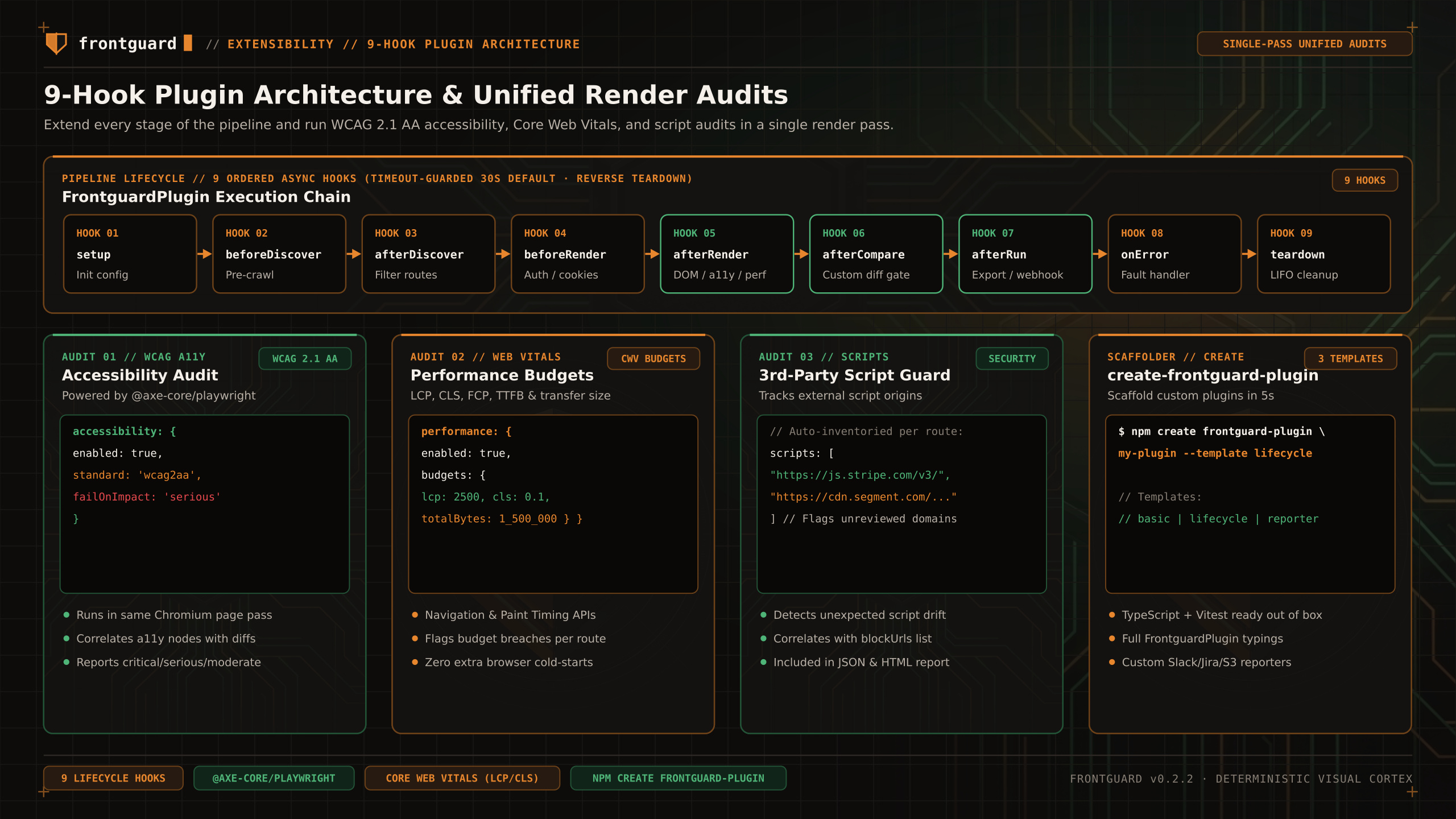
OPTIONAL PLUGIN. The accessibility plugin depends on @axe-core/playwright and reports automated findings alongside a run.
Run automated axe-core accessibility checks alongside visual regression screenshots. The plugin audits captured route/viewport pairs in Chromium pages that use the same storage state, color scheme, viewport height, wait, and route actions as the capture.
Status
Install the optional dependency and import the plugin from @frontguard/cli/plugins. Automated axe results do not establish WCAG conformance and do not replace keyboard or assistive-technology review.
Use
Configuration & options
| Option | Type | Default | Description |
|---|---|---|---|
impact | 'minor' | 'moderate' | 'serious' | 'critical' | 'minor' | Minimum severity to report. Set serious with failOnViolation to fail on serious and critical violations. |
rules | string[] | undefined | Optional allowlist of axe rule IDs, not selectors or WCAG tags. |
excludeRules | string[] | undefined | Optional denylist of axe rule IDs. Element selector exclusions are not supported. Unknown option keys produce a warning. |
failOnViolation | boolean | false | Fail on reported violations at or above impact; when impact is omitted the failure cutoff is serious. |
Limit
Automated axe-core rules catch common contrast, missing label, and ARIA role errors, but cannot verify keyboard focus traps, screen-reader announcement order, or cognitive usability. Always pair automated checks with manual assistive-technology testing.