Cross-OS rendering
NOT VALIDATED. The renderer is currently repository-source-only: no public image or cross-host byte-equivalence result is published.
Because macOS CoreText and Linux FreeType rasterize fonts differently, teams comparing baselines across macOS laptops and Linux CI runners can build the local linux/amd64 Docker renderer from source.
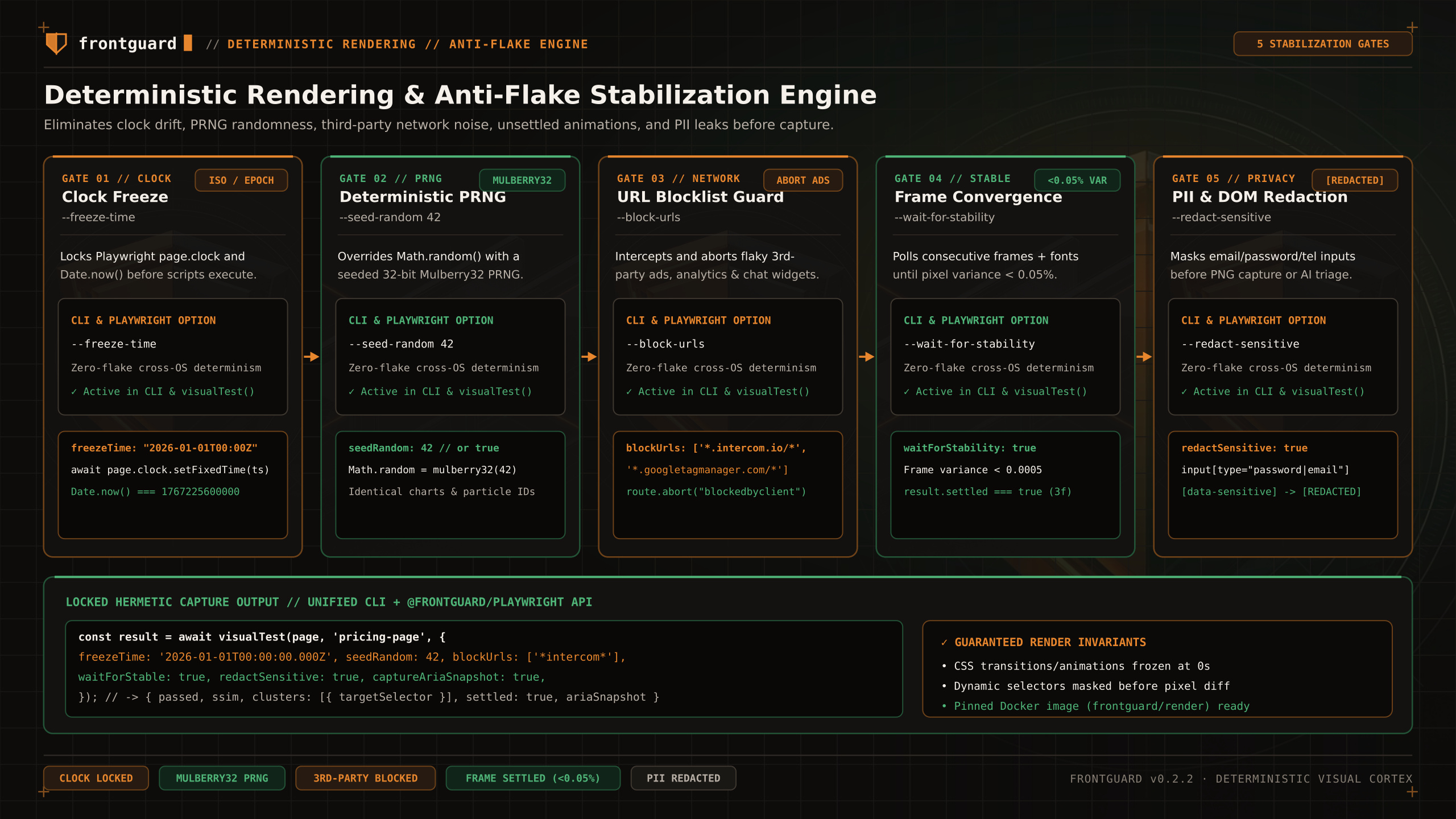
Current status
From a clean clone, run the complete preparation sequence below at the repository root. The Dockerfile requires the renamed npm pack tarball in its build context.
Local build
Running with --docker
After the image is built, invoke it from a configured project. A container cannot reach a host app through localhost, so this staging example overrides baseUrl deliberately.
Limit
Use docker manifest inspect only for an image reference you expect to be remote. The current renderer is not yet published, so build and inspect it locally.