Create & Publish a Plugin
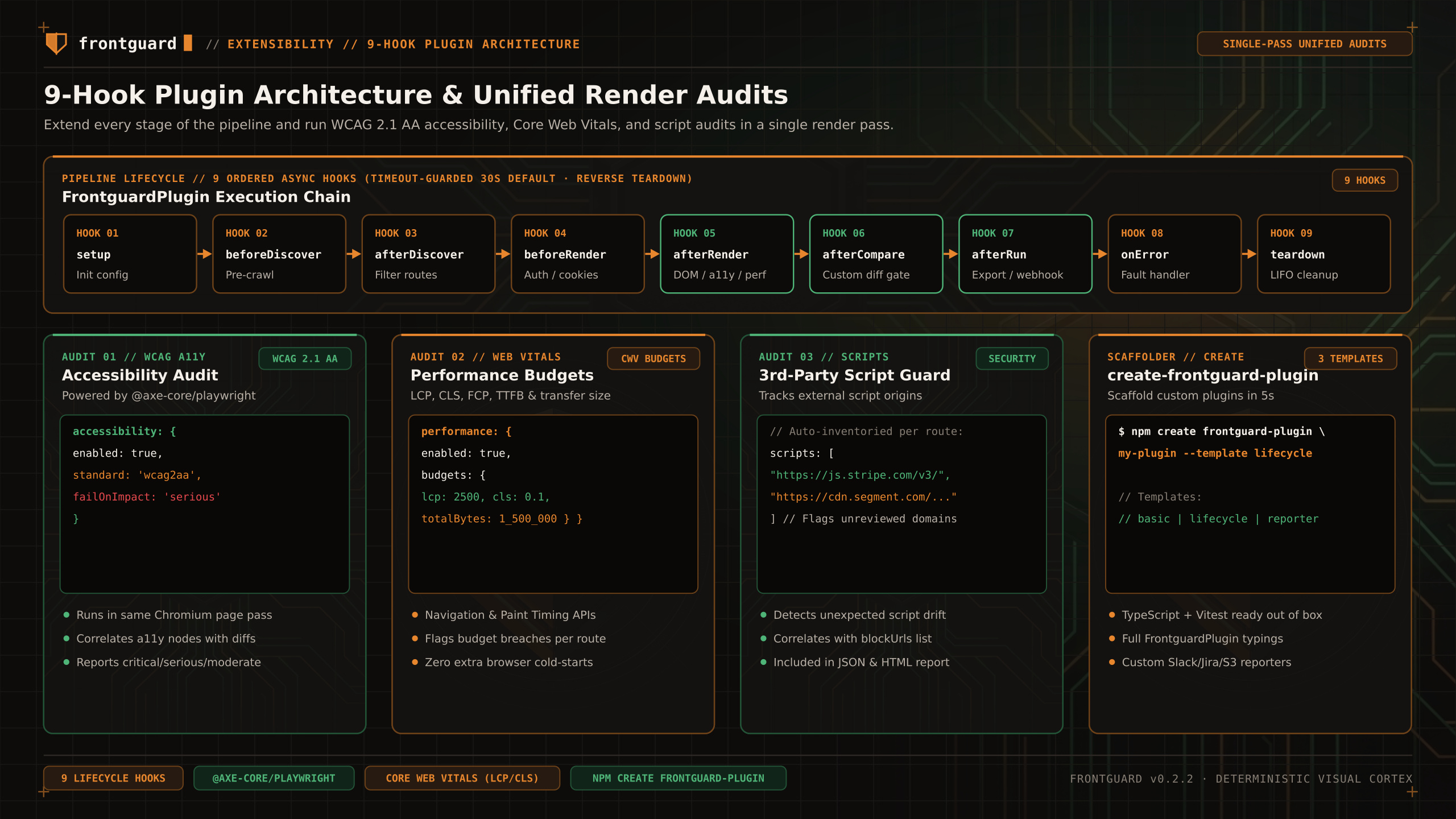
TYPED PLUGIN. Build against the FrontguardPlugin interface from the CLI version you install.
Write a TypeScript factory returning a FrontguardPlugin object. Frontguard does not operate a plugin registry or compatibility certification service.
Current status
Use the public interfaces exported by your installed CLI, add tests in the plugin repository, and follow the npm publishing process you independently verify.
Authoring a typed plugin package
Safe workflow
- Use beforeRender for capture configuration, afterRender for captured screenshot results, and afterRun for reporting.
- Clean up external handles or temporary files in teardown.
- Pin the peerDependency range for @frontguard/cli and test with representative route and result fixtures.